How to Set Up Auto External Links in Lavar
The Auto External Links feature automatically opens external links in a new browser tab. This ensures customers remain on your store while exploring other pages, helping reduce bounce rates and retain traffic.
Step 1: Enable Lavar in Your Theme
Make sure the Lavar app embed is enabled in your Theme Editor first.
Step 2: Activate the feature Auto External Links
- Open Lavar in your Shopify Admin
- Navigate to Store Optimizations → Favicon Cart Count
- Click Activate feature and Save
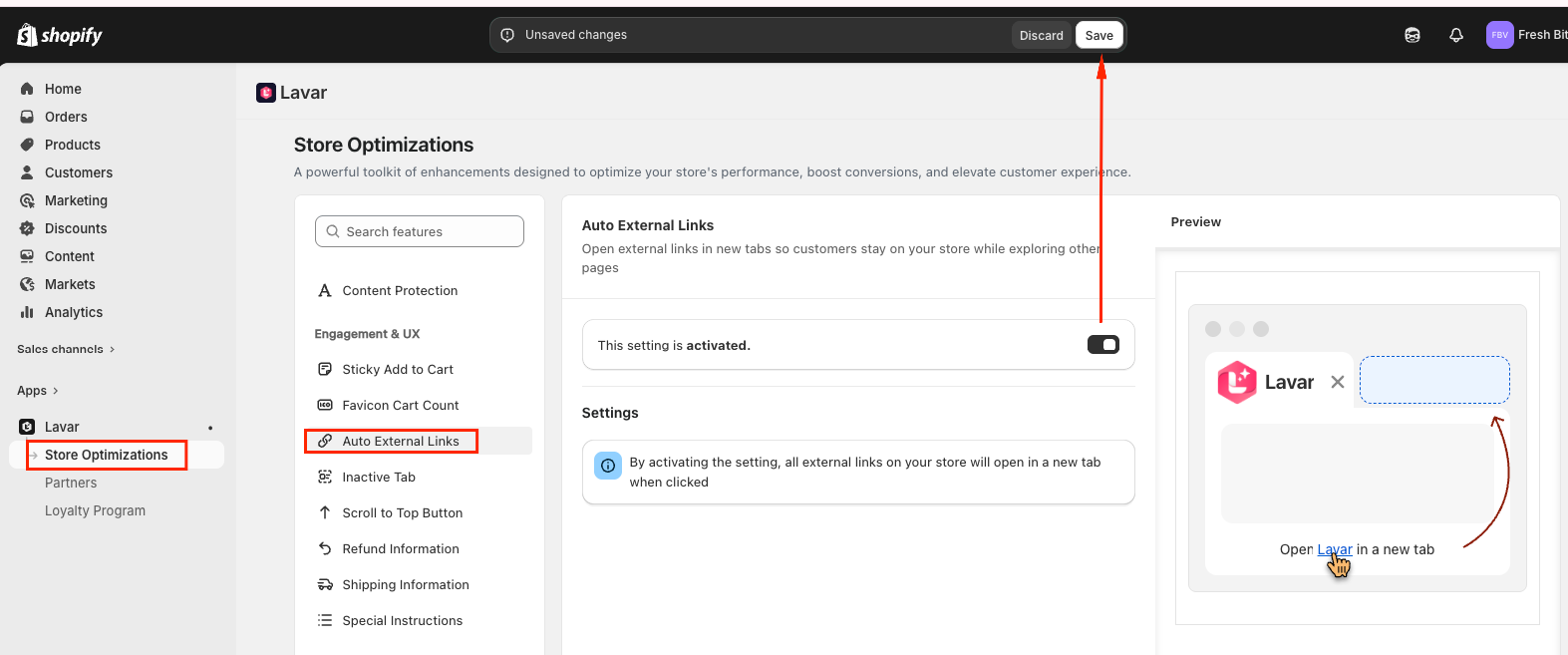
Note: By activating the setting, all external links on your store will open in a new tab when clicked.
If you need further assistance, please feel free to contact us at [email protected].